Introduction
If you are building an app with Next.js 15 using the App Router, you are likely using the generateMetadata function to create dynamic SEO tags. Recently, I ran into a frustrating issue: the dynamically generated metadata was not appearing inside the <head> tag where it belongs. Instead, it was being injected at the bottom of the page or inside the <body>! In this article, I will explain exactly why this happens, how it destroys your SEO, and the simple ways to fix it.
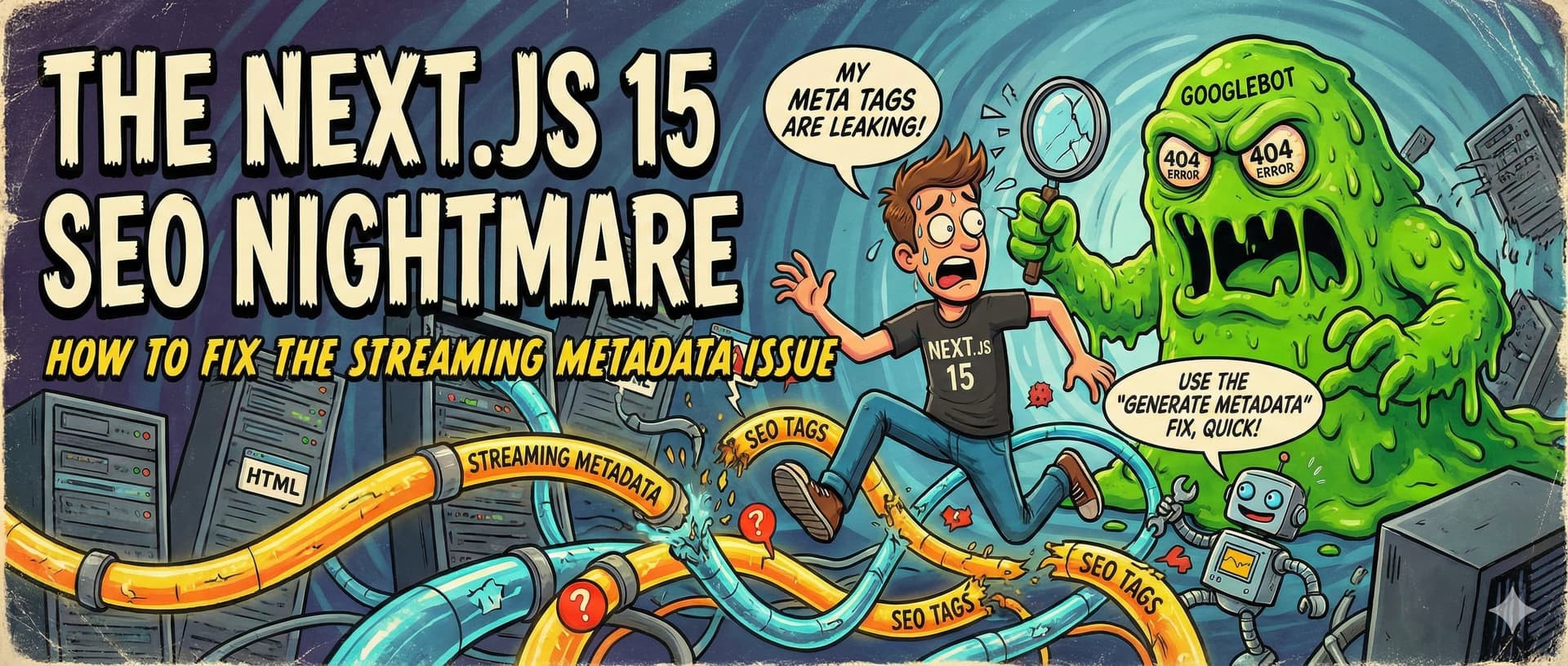
The Root Cause: What is "Streaming Metadata"?
To understand the problem, we need to look at how Next.js handles data fetching: The Old Way (Before Streaming): When a user visited a page with dynamic data, the server waited for the API to finish completely before sending the HTML (and metadata) to the browser. The downside? If the API was slow, the user stared at a blank white screen. The New Way (Next.js 15 Streaming): To fix the white screen issue, Next.js now starts sending the HTML in chunks immediately, even before the API finishes. Once the API data is ready, Next.js "injects" the metadata into the page.
So, why is this a problem?
Because this late injection means the <meta> tags might end up below your scripts or inside the <body>. Search engine crawlers (like Googlebot) and social media bots do not always wait for JavaScript to execute or for the streaming to finish. They read the initial HTML, see no metadata in the <head>, and move on. This means you lose your page titles, descriptions, and social sharing images!
How to Fix It
Here are the best ways to solve this issue, ranging from the most effective global fix to component-level solutions.
The Ultimate Fix: Disable Streaming for Bots (Recommended)
The fastest and most reliable way to save your SEO is to tell Next.js to disable streaming entirely when the visitor is a search engine bot. This forces the server to wait and send the complete HTML (with the <head> fully populated) to crawlers. Add this to your next.config.js file:
1/** @type {import('next').NextConfig} */
2const nextConfig = {
3  // Forces blocking metadata (no streaming) for all bots
4  htmlLimitedBots: '.*',
5}
6
7export default nextConfig;
Target Specific Bots Only (Advanced)
If you want to keep streaming active for some unknown bots but disable it for the major search engines and social platforms, you can use a specific Regex pattern:
1/** @type {import('next').NextConfig} */
2const nextConfig = {
3  // Disable streaming only for these specific crawlers
4  htmlLimitedBots: 'googlebot|bingbot|slurp|duckduckbot|baiduspider|yandexbot|sogou|facebookexternalhit|twitterbot|rogerbot|linkedinbot|embedly|quora|showyoubot|outbrain|pinterest|developers\\.google\\.com',
5}
6
7export default nextConfig;
Use Static Metadata When Possible
If your page does not actually need to fetch API data to determine its SEO, do not use the generateMetadata function. Instead, use the static metadata export. It does not stream and will always be injected into the <head> perfectly.
1// Use this for static pages
2export const metadata = {
3  title: 'Your Awesome Page Title',
4  description: 'A brief description of your page content.',
5}
Final Thoughts
After applying the fix (especially Solution 1), make sure to clear your Next.js cache. Test your live URLs using tools like the Facebook Sharing Debugger or Twitter Card Validator to confirm your <meta> tags are finally being read correctly. Happy coding! Youssef El-Mohamadi 🥷